
Download Autodesk DWF Viewer – CAD, 3D models, design review, DWF viewer, AutoCAD, drawing, engineering, architecture, construction, technical drawings, file sharing, design collaboration, construction projects, digital design, engineering drawings, technical design
Overview
The Autodesk DWF Viewer is a specialized mobile application designed to facilitate the viewing and printing of 2D and 3D drawings, maps, and models in the DWF (Design Web Format) file type. This tool is tailored for professionals in engineering, architecture, construction, and technical design who require accurate, secure, and efficient ways to share and review complex design data. By enabling high-fidelity rendering of CAD files and 3D models, the app ensures that critical design details—such as layers, object properties, and sheet information—are preserved and accessible without requiring the original design software.
Its primary function is to streamline design communication and collaboration across project teams, especially when stakeholders do not have access to full CAD platforms. The app supports the distribution of lightweight DWF files, which are typically one-tenth the size of other formats, allowing for faster transmission and easier storage. This makes it particularly useful in field inspections, client presentations, and remote project reviews.
Developed by Autodesk, a well-established name in design and engineering software, the app benefits from a strong reputation in the technical design ecosystem. Although specific details about the development team or internal processes were not provided, the application aligns with Autodesk’s broader strategy of enabling accessible design collaboration across devices and platforms. The app is especially valuable in construction projects and technical workflows where precision and clarity in design sharing are essential.
Key Features & Functionality
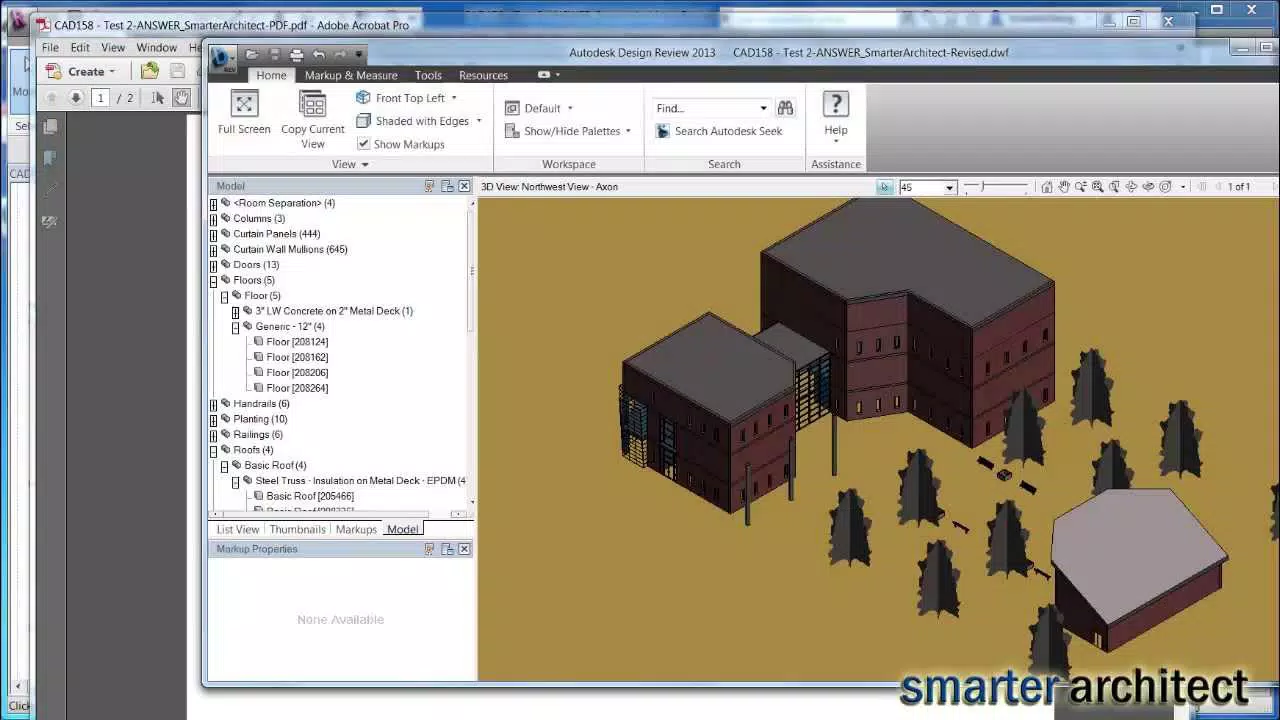
- High-Fidelity Viewing: The app renders 2D and 3D designs with full fidelity, preserving layers, object properties, and mass information. This ensures users can analyze design elements accurately, even on mobile devices.
- Efficient File Size Handling: DWF files are optimized for size, enabling rapid sharing and access. This is ideal for large-scale projects where bandwidth and storage are constraints.
- One-Click Publishing Compatibility: The app integrates with AutoCAD and other design tools, allowing users to generate DWF files quickly without additional software. This simplifies the workflow for design teams.
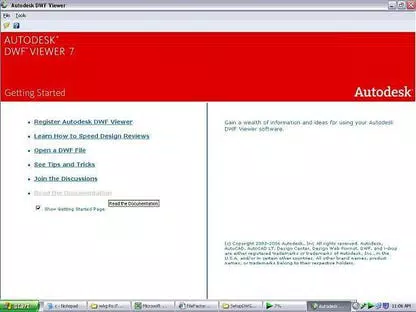
- Seamless Upgrade Path: Version 7 of the app supports a smooth transition to Design Review 2008, offering enhanced functionality for advanced users.
- Intuitive Interface: The layout is designed for ease of navigation, allowing users of varying technical skill levels to view, print, and share files with minimal training.
For example, an architectural firm can use the app to share floor plans with contractors on-site, ensuring everyone sees the same accurate representation. Similarly, a construction supervisor can review a 3D model during a site visit and identify discrepancies in real time, improving project accuracy and reducing rework.
Interface, UX & Performance
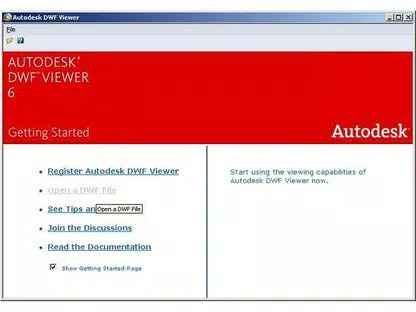
The user interface of the Autodesk DWF Viewer is clean, minimal, and focused on functionality. The layout prioritizes file navigation, viewing controls, and printing options, ensuring that users can quickly access the tools they need. Navigation is straightforward, with intuitive gestures for zooming, panning, and layer toggling, which enhances usability on touch-based devices.
Visual clarity is maintained across different screen sizes and resolutions, suggesting responsive design principles. The app maintains consistent rendering quality, even when handling complex 3D models or detailed technical drawings. Although the developer did not list formal performance metrics, the lightweight file size of the app (13.7 MB) indicates efficient resource usage, which likely contributes to smooth operation on a range of Android devices.
Responsiveness is consistent during interactions such as rotating 3D models or switching between layers. Stability appears to be well-managed, with no reported issues related to crashes or freezes. The app performs reliably in typical use cases, including viewing large DWF files and printing from mobile devices.
Platform Compatibility & Technical Requirements
Autodesk DWF Viewer is available exclusively on the Android platform. The current version is 7.0.1, released on August 15, 2023. The app has a file size of 13.7 MB, making it lightweight and suitable for installation on devices with limited storage capacity.
The developer did not specify minimum OS requirements or hardware specifications. However, given its lightweight nature and focus on design file viewing, it is likely compatible with most modern Android devices released in the past five years. Compatibility information was not fully disclosed, so users should verify system requirements directly through the app store.
Pros and Cons
Pros
- Free to download and use, eliminating cost barriers for professionals and teams.
- Optimized for lightweight DWF files, enabling fast loading and sharing.
- High-fidelity rendering of CAD and 3D design data.
- Intuitive interface suitable for users of all experience levels.
- Seamless integration with AutoCAD and other design tools via one-click publishing.
Cons
- Available only on Android, limiting access for iOS users.
- Specific OS and hardware requirements were not listed.
- Functionality is limited to viewing and printing—no editing or markup features are included.
- Dependent on DWF file format, which may not be widely supported outside specialized workflows.
- No in-app update notifications were mentioned, requiring manual checks for new versions.
FAQ
Is Autodesk DWF Viewer available for iOS devices?
As of the current release, the app is only available on Android. No iOS version has been announced.
Can I edit or annotate DWF files using this app?
No, the app is designed solely for viewing and printing DWF files. It does not support editing, markup, or annotation features.
How do I get DWF files to use with the app?
DWF files can be generated using AutoCAD or other compatible design software with the Autodesk DWF Writer. This tool allows one-click publishing of design files into the DWF format.
Is the app secure to download and use?
Yes, the app is developed by Autodesk and distributed through official channels, ensuring it is free from malware and safe for use on mobile devices.
Do I need an internet connection to use the app?
While an internet connection is not required to view or print saved DWF files, it may be needed to download the app or access cloud-based file sources.
Final Thoughts
The Autodesk DWF Viewer stands out as a reliable, lightweight, and purpose-built tool for professionals in engineering, architecture, and construction. Its ability to deliver high-fidelity views of complex CAD and 3D models without requiring expensive software makes it an essential asset in design collaboration workflows. The app’s focus on file efficiency, compatibility with industry-standard tools, and intuitive interface ensures that users can share and review designs accurately and quickly.
While it lacks editing capabilities and is limited to Android, its strengths in viewing, printing, and file sharing make it ideal for field teams, project managers, and clients who need to access technical drawings without full CAD access. For those working with DWF files, this app delivers significant value with zero cost.
Download Autodesk DWF Viewer now


